


Kuycon G32P 6K Monitor
Kuycon G32P 6K Monitor
Verfügbarkeit für Abholungen konnte nicht geladen werden

Kuycon G32P 6K Monitor
Panel
| Größe und Seitenverhältnis | 32" (31,5", 16:9) |
| Panel und Typ | NANO IPS Schwarz + LED |
| Auflösung | 6K (6144x3456) |
| Pixeldichte | 223PPI |
Leistung
| Bildwiederholfrequenz | 60 Hz |
| Ansprechzeit | GTG 5ms |
| Helligkeit | Typischerweise 500 cd/m² |
| Kontrastverhältnis | 2000:1 |
| Farbtiefe | 10 Bit (1,07 Milliarden Farben) |
| Farbraum und Farbgenauigkeit | 99 % sRGB, 99 % DCI-P3, 96 % Adobe RGB, ΔE < 2 |
| HDR | HDR10 |
| Variable Bildwiederholfrequenz | Freesync |
| Technologie für die Augenpflege | Niedriges Blaulicht |
Konnektivität
 |
|
| HDMI 2.1*1, DP 2.1*1, USB-C*1, USB 2.0*2, 3,5-mm-Audio*1 | |
| Rückstromversorgung | 100 W |
| Eingebaute Lautsprecher | / |
| Leistungsaufnahme | Wechselstrom 100-240 V (50/60 Hz) |
Aussehen
| Abmessungen und Nettogewicht (ohne Ständer) | 712 x 415 x 25 mm, 7,5 kg |
| Farbe | Silber |
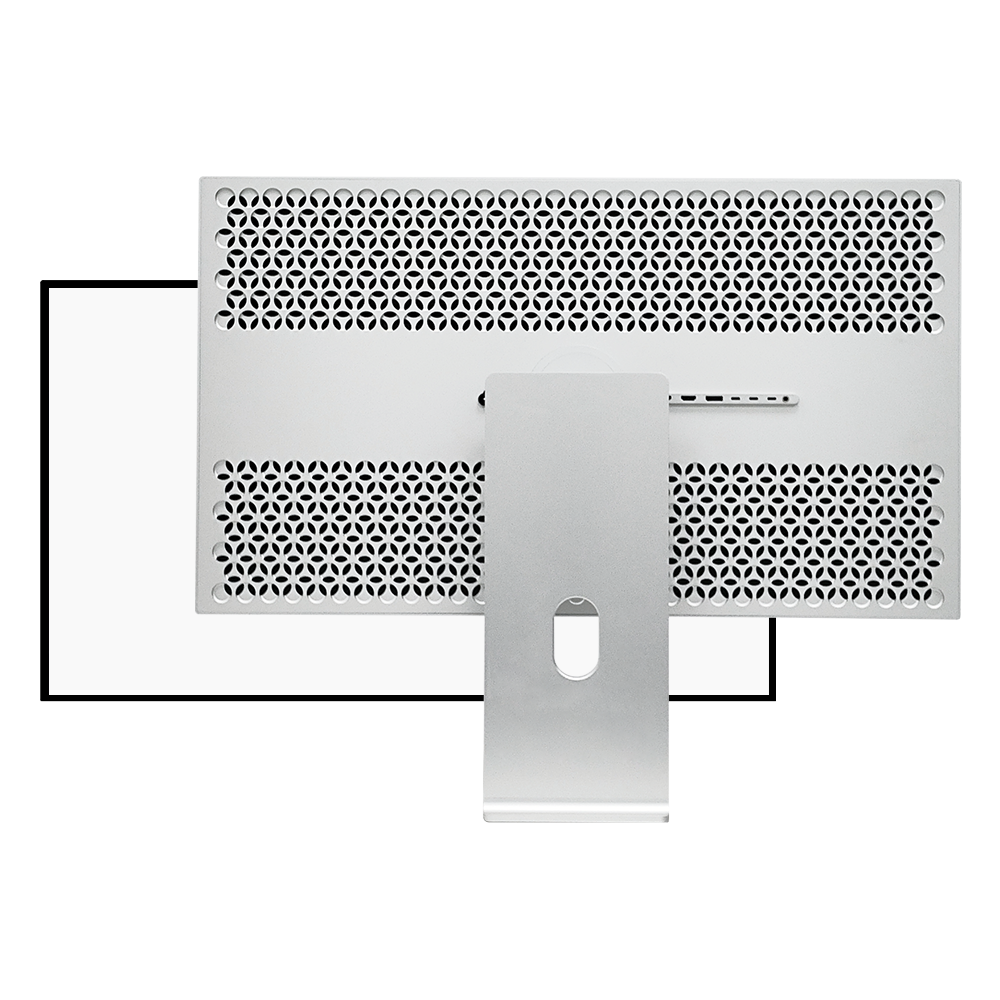
| Stil | Perforiert |
| Lünette | Vierkantig, gleich breit |
| Beschichtung und Krümmung | Glas und Flach |
| Konstruktion | Anodisieren für die CNC-Bearbeitung von Aluminium |
| VESA-Halterung | 100x100mm |
| Ergonomischer Ständer | Höhe (120 mm), Neigung und Schwenkung (90°) |
Zubehör
| Sämtliches Zubehör und alle Kabel sind in der Monitorverpackung enthalten. |
|
Der mitgelieferte USB-Stick enthält folgende digitale Dokumente - Benutzerhandbuch für den Monitor (Elektronische Version) |


Awesome screen. Don't be afraid to pull the trigger if you're considering. I read online that if you do get a bad panel obviously through Amazon you can return it. I can only speak about the screen that I received and it is flawless, very, very good screen.
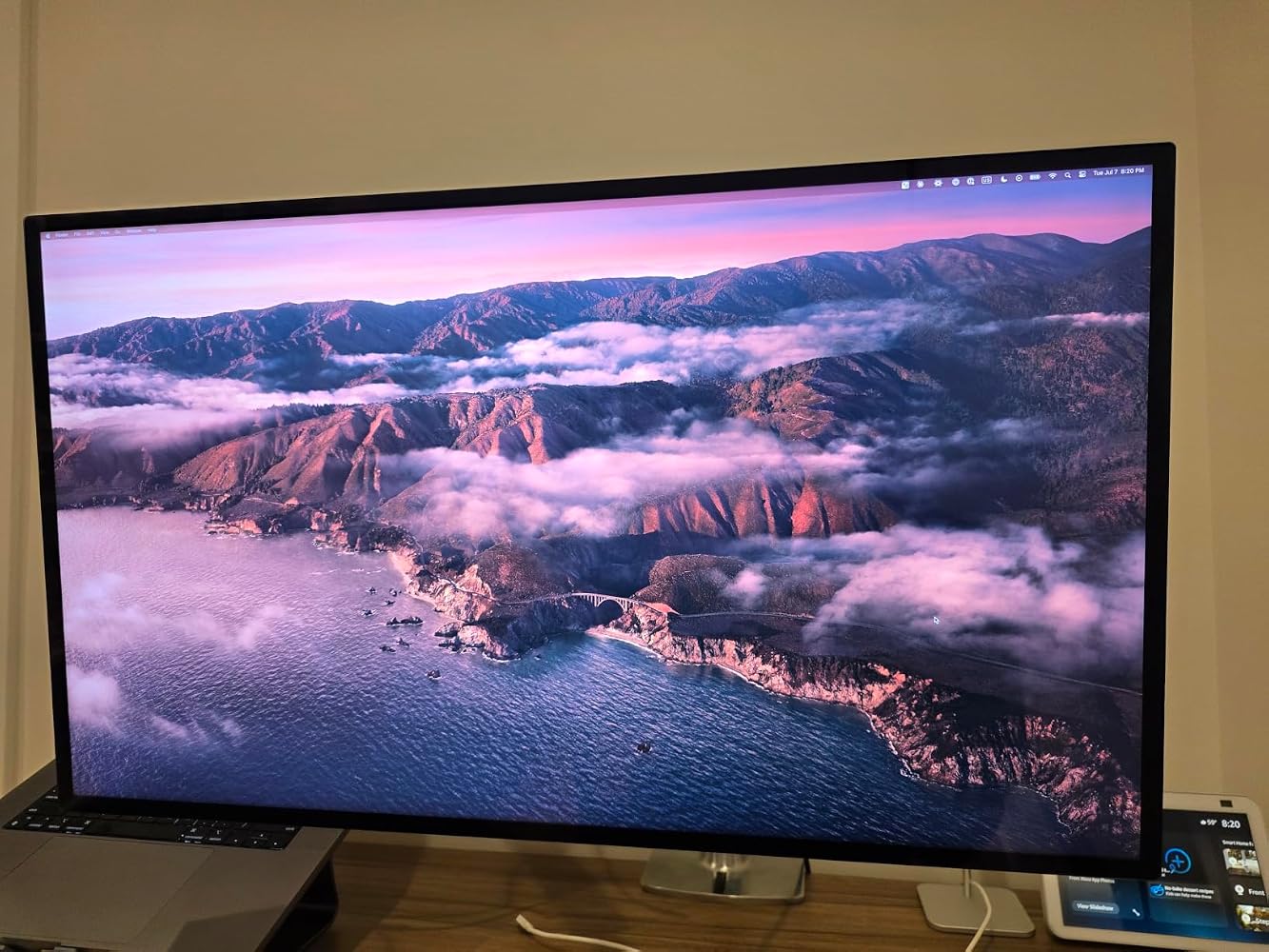
This monitor is beautiful. I have an Apple Studio Display next to it and they match so well. The build quality is top notch. Very well built.
the TLDR - great value, great build quality, wish they had one more thunderbolt port but all available ports are productivity-prone (none not useful) and the color and sharpness are excellent.Still it's an IPS monitor and would be nice to see Kuycon make mini LED panels too in future for even higher brightness
A nice upgrade from my 5K LG. I love retina displays so much, and this is the biggest/best one you can buy at a reasonable price.
Excellent monitor. Perfect size. Apple monitor display quality. Colors are identical to my MacBook without any need for calibration. Simple plug-and-play.
Amazing picture quality. Gorgeous monitor with multiple inputs. I am using with MacBook Pro Max 4. Thunderbolt to Thunderbolt connection works well but sometimes doesn't connect well probably handshake issues. So I use thunderbolt to display port cable and it works great. Plug and play whenever. Setting Display port in monitor settings to 2.1 gives full 6K.
Excellent customer service. The first monitor I received had a red discoloration visible on black backgrounds, suggesting a panel defect. Kuycon responded promptly, shipped a replacement within five days, and provided a $100 refund for the inconvenience. The replacement monitor has a single stuck pixel, but otherwise works well and was acceptable to me. I returned the original monitor and was very pleased with the seller’s responsiveness and support throughout the process.
This is probably one of the best 32” 6K out thereBut there is one catch. You MUST have control over light sources behind you because it will reflect those sources a lotThis is not like an Apple Glossy screen that has nano texture.Fit and finish feels as good as an Apple product.You must enable HDR from MacOs if to want to watch YouTube 8K Videos which will blow your mindI’m using it with a MacBook Pro M4One other caution. For 6K 32” is not that large.In order to fully optimize 6K sharpness you want the default 2:1 scale MaCOS will useThis will make your text incredibly small.Good apps can be scaled back up and you keep max sharpnessBut that can be a hassle. Windows makes this a lot easier.You can use scaling (not the default 2:1 “retina” scaling) and it will still look pretty good.But you are losing some of that 6K resolution you are paying for.But for a 6K 32” VERY glossy reflective screen this does exactly what it says it does.Support from the seller on Amazon (not Prime) has been excellent.